

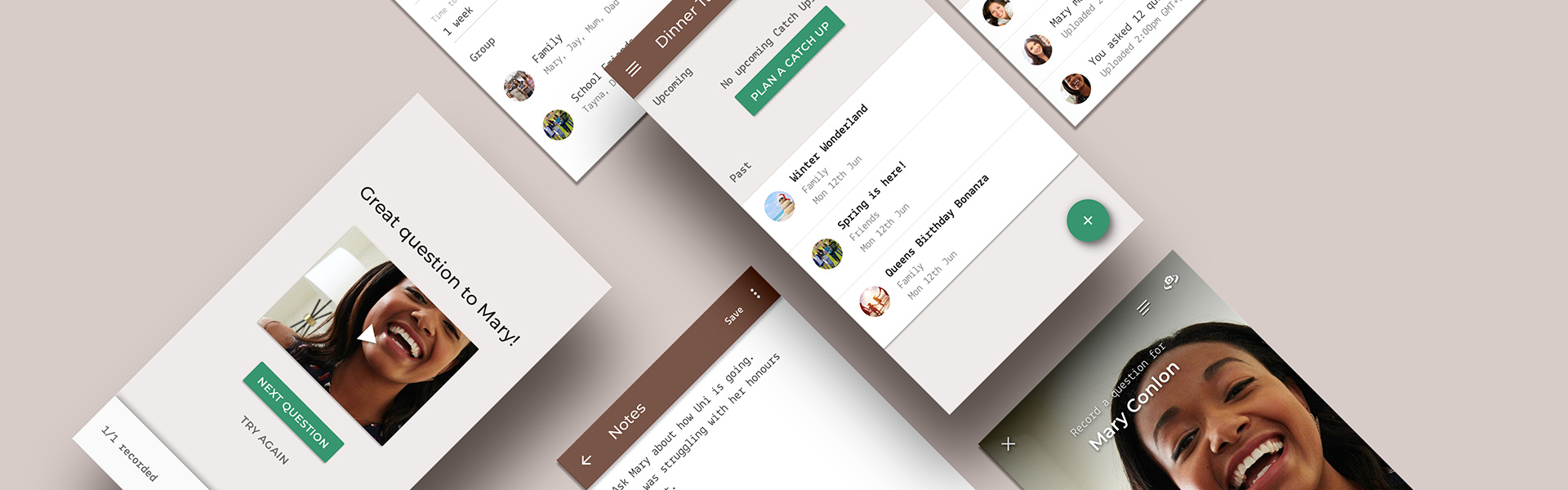
Dinner Table is a communication App that makes it easier to catch up with family or friends that are restricted by time zone and geographical boundaries.
Note: This is a project for a startup idea. The App has not gone into development.
What are we trying to solve?
Families and friends are increasingly spreading all over a single country or even all over the world. While staying connected has grown leaps and bounds with technology, people still face problems across difficult time zones when they want a face to face personal conversation.
Discovery & Research
User Research
To give us a deep understanding into the user’s needs and ensure that we’re solving a problem that actually exists, we conducted User Interviews with 10 participants.
When dealing with the complex motivations behind personal experiences and social behaviours, I felt the primary research should be User Interviews.
That’s not to say that surveys couldn’t supplement the research as they can be helpful for collecting data about your users, but the data and numbers retrieved for this subject matter could be misleading.
A Competitive Analysis was completed using a Feature Inventory to compare the market.
Synthesise Research & Design Strategy
Synthesizing Research
Through User Interviews, I found that one of the biggest problems people face are time zones that don’t match up. This makes it hard to organise and participate in video calls. Either someone has to wake up really early or someone has to stay up late, either way, catch ups can become more a task than something you should enjoy. Users want a better way to deal with this challenge.
Instant messaging can be a great convenience tool while ‘on the go’, but the downside is it can become impersonal. Users want more personal catch ups.
When want to continue the convenience of instant messaging, but keep the catch ups personal.
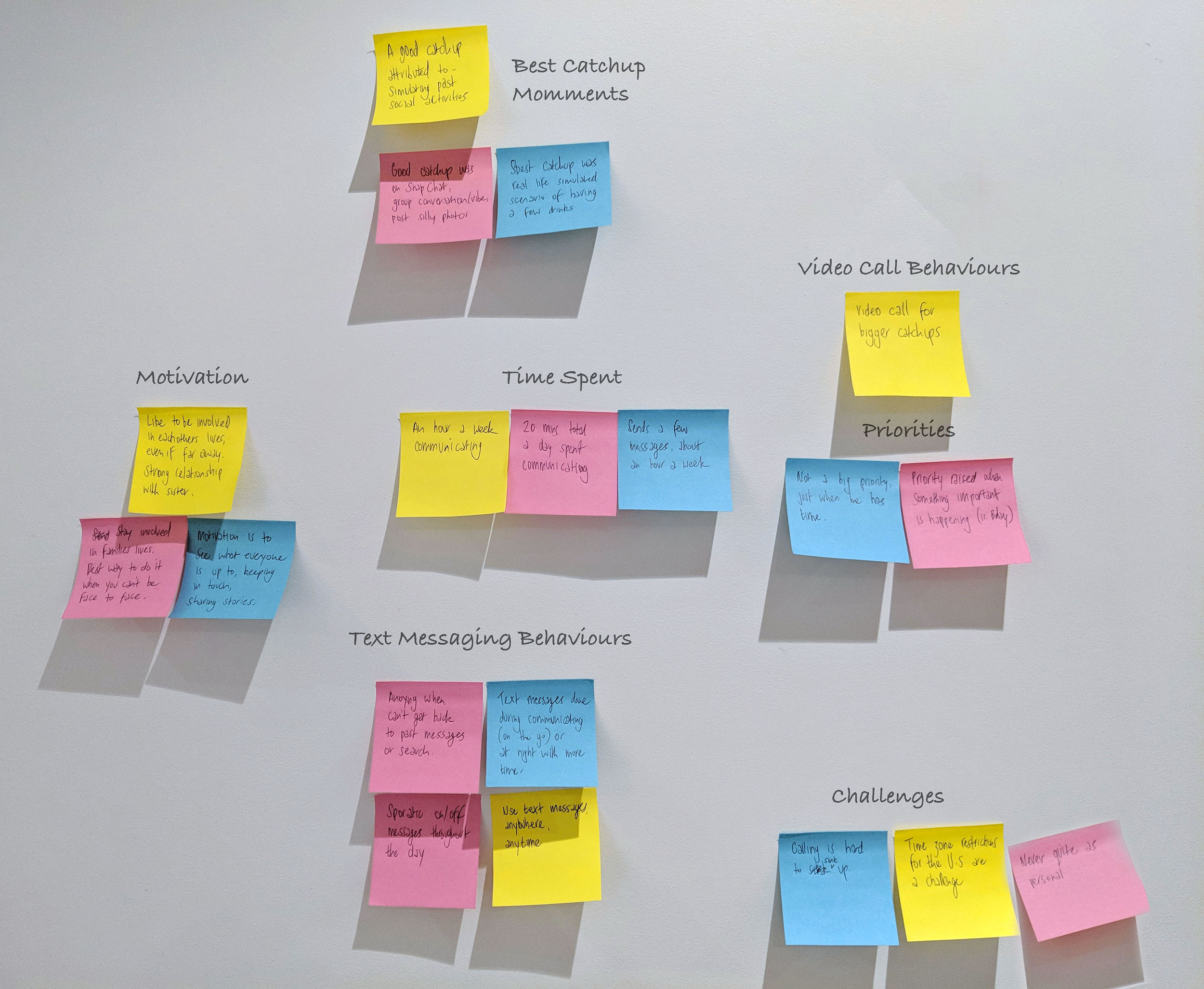
The highlight of peoples catch up experiences are often when you and the people your connecting with are simulating real life activities. This can be activities like going to a walk together, or having a few drinks after work.
Users want to catch up like the way you used to before the geographical boundaries.
Personas
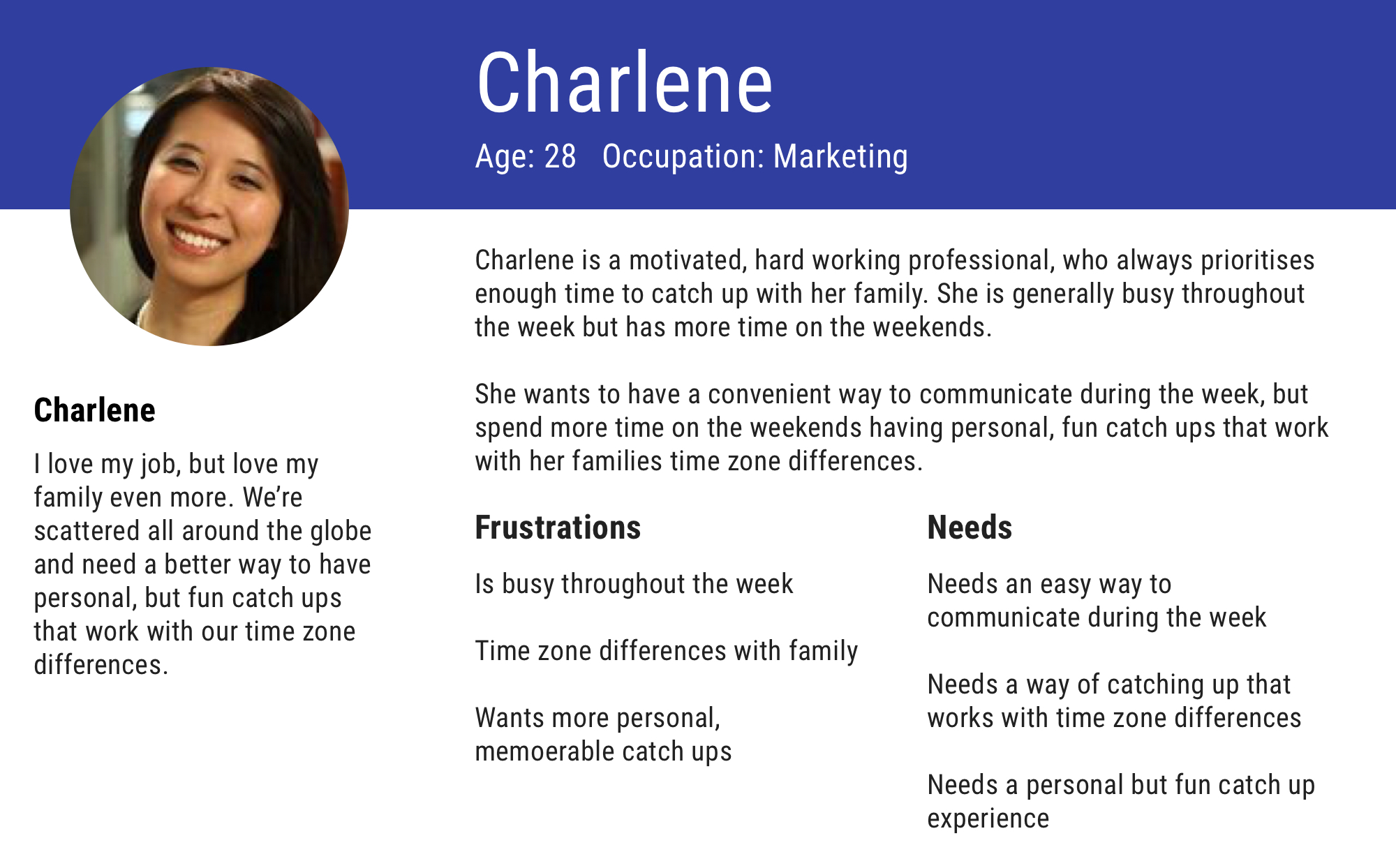
Meet Charlene. She wants to have a convenient way to communicate during the week, but spend more time on the weekends having personal, fun catch ups that work with her families time zone differences.
Define the problem
People need a way to have better catch ups that work for time zone differences, are more personal than text messages, and simulate real life activities because time zones don’t always sync, instant messaging can become impersonal, and simulating real life activities are the best catch ups.
Feature Prioritization (MVP)
In its simplest form, the features we need are to allow users to connect, start group conversations, record questions from notes, record answers, and stitch them together into one amazing video. This can all be done with time zone and geographical boundaries. While enhancing the conversation with funny overlay effects or look up interesting icebreakers or pop culture topics, these are not essential to the primary need of the user.
- Connect with users
- Create group conversations
- Write notes for questions
- Record video
- Merge videos into movie
Project Proposal
In an ever expansive world, families want a better way to catch up when restricted by time zone and geographical boundaries. Their next best catch up is just one Dinner Table catch up away!
Dinner Table makes it easy to catch up family or friends that are restricted by time zone and geographical boundaries. In its simplest form, the features allow users to connect, start group conversations, note down questions on the run, record questions and answers, and stitch them all together into one amazing dinner table video catch up. This can all be done in the convenience of your own time to tackle time zone and geographical boundaries.
Placement & Layout Design
Sketching and Testing
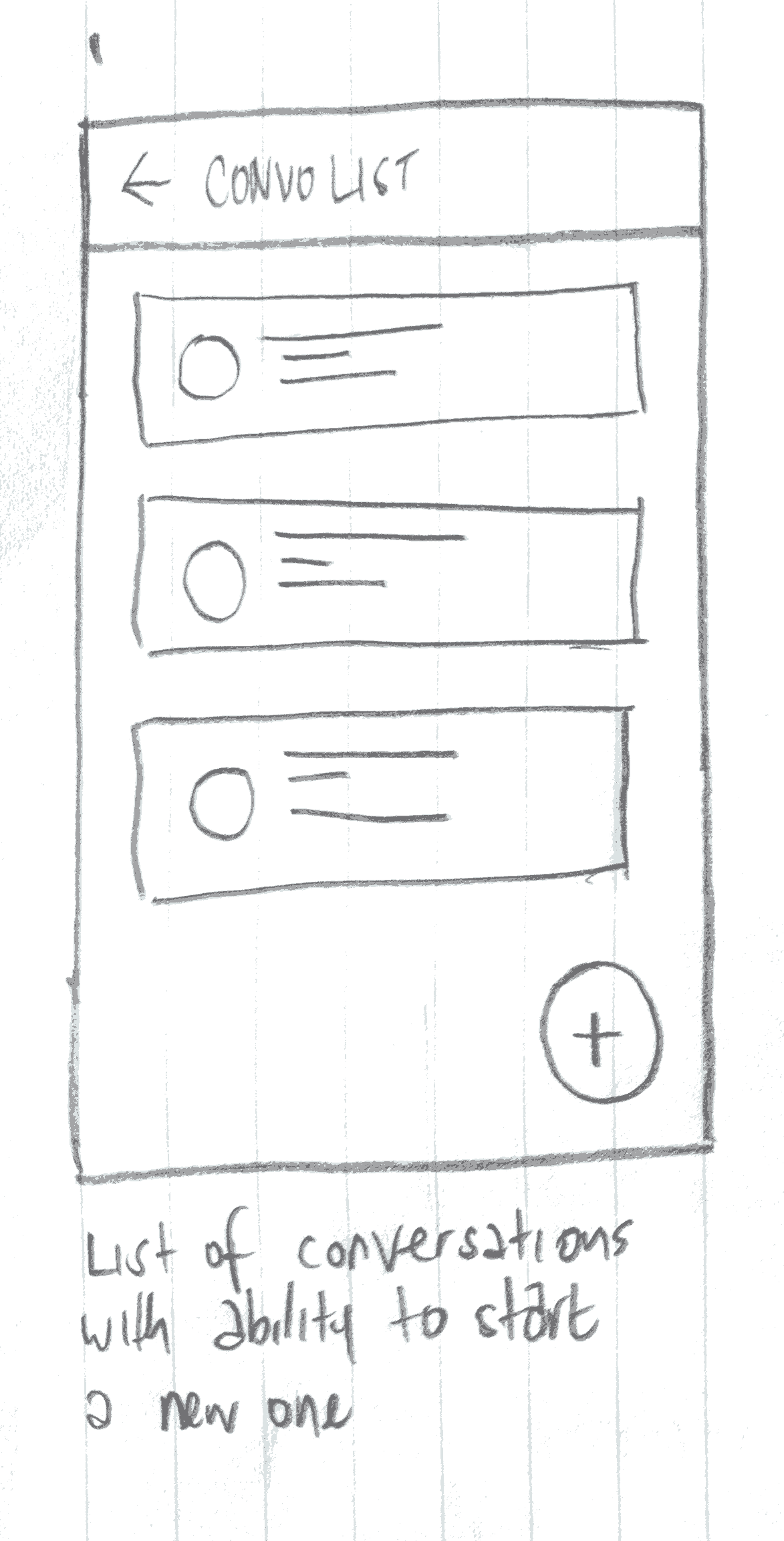
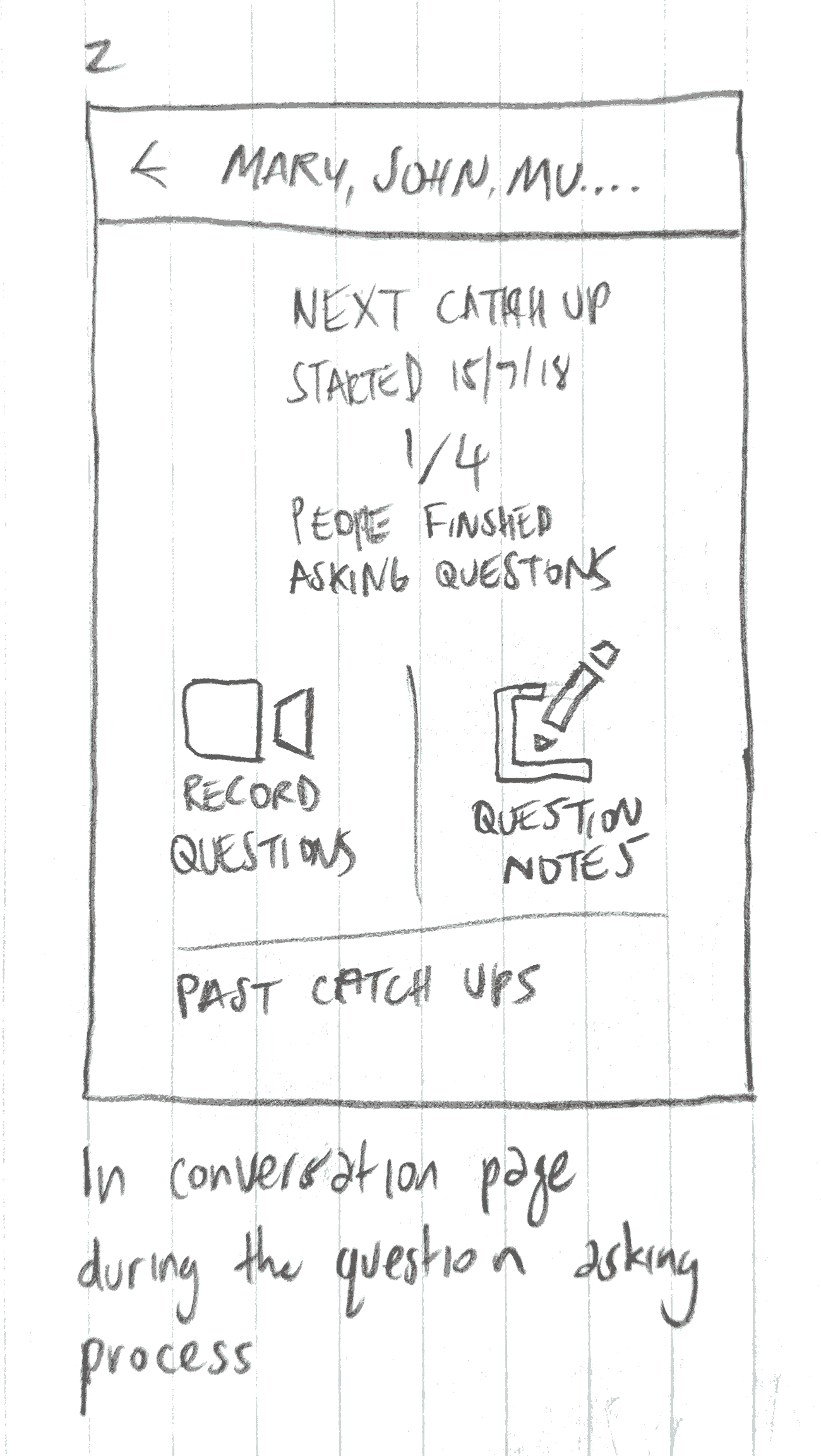
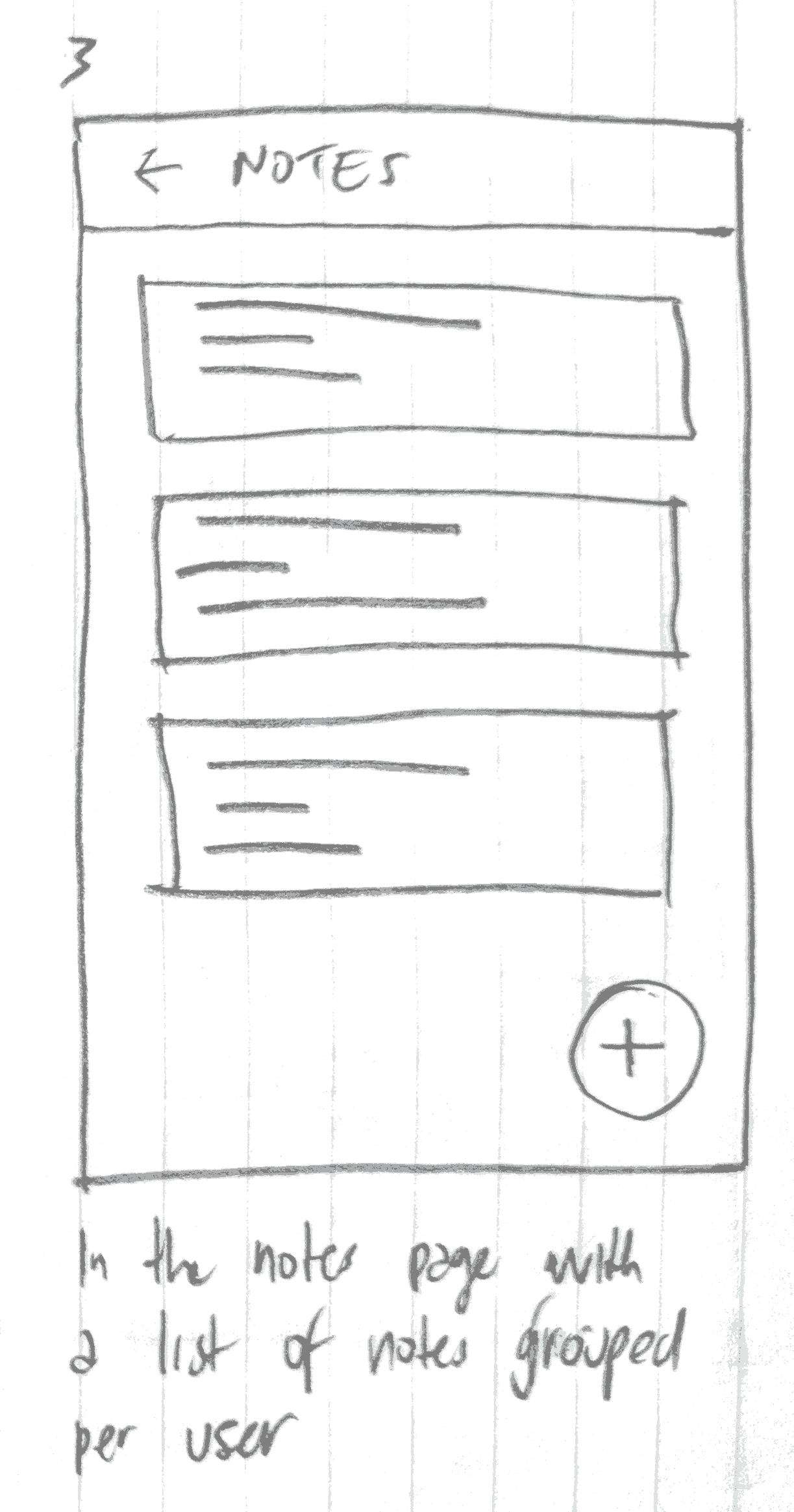
Paper Prototype Usability Test
The Task
Go into the conversation with Mary. Record a Question for Mary. Finish the video and return to the Conversation.
The Results
The screen flow tested well. The task was completed with ease.
I saw the participant look at the icons first and then read the labels to make sure the correct path was chosen.
I should make is slightly clearer where the record button is. Possibly use a label like "Begin here to record a question".
Information Architecture
Navigation
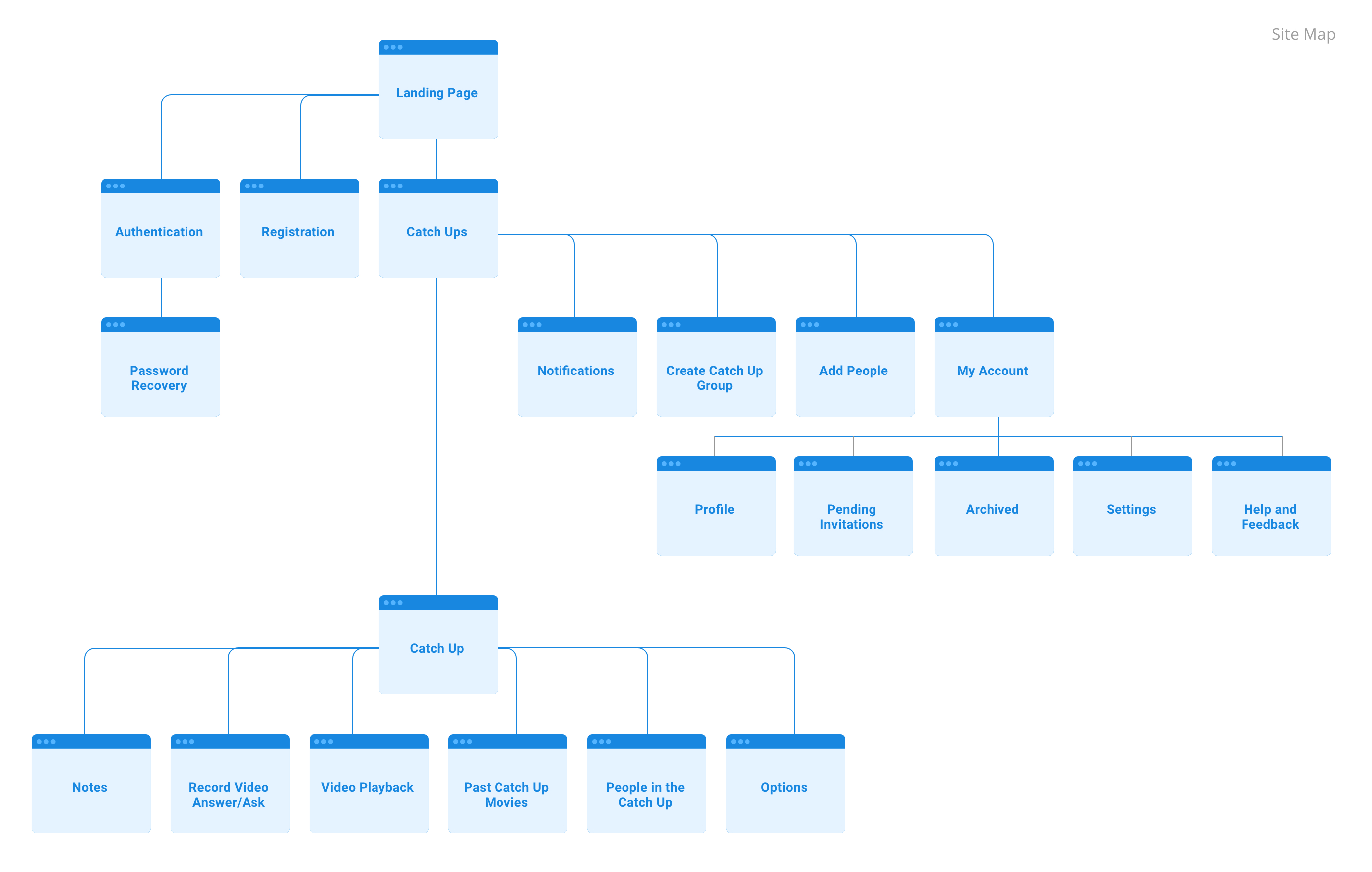
As the Happy Path of the Application is looking to be quite specific, I will mainly be using local navigation. The main path will most likely be from the Catch Up list to the selected Catch Up where I’ll have local navigation. I haven’t identified many pages that need to be accessed globally and quickly so there is no need for some type of global bottom nav bar.
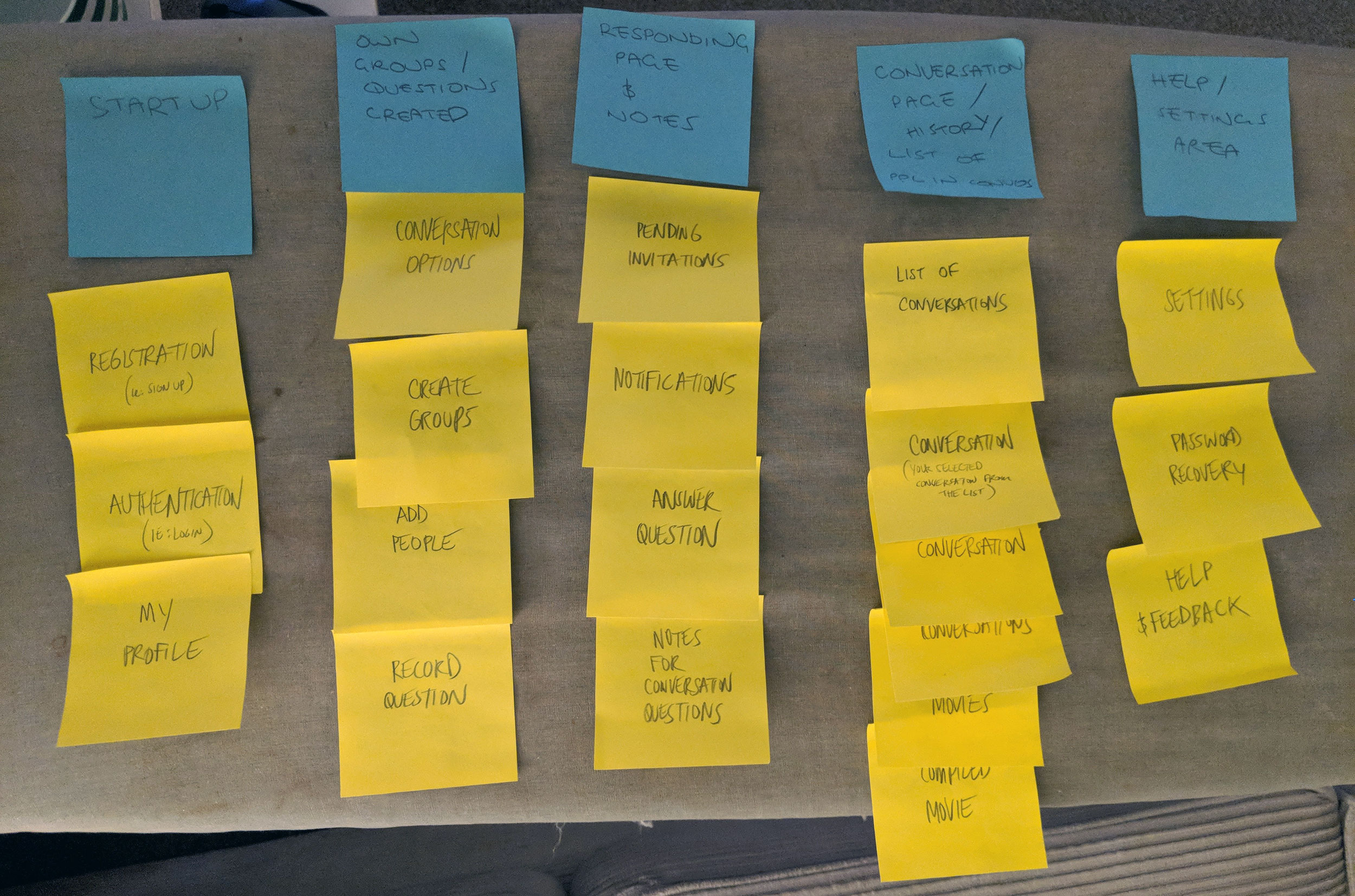
Card Sorting
Site Map
Execution
Platform
The main feature of Dinner Table requires the advantage of hardware capabilities like video and device storage. With that consideration in mind, I chose to make Native Apps for this Product rather than a website.
Wireframes
Lo Fi
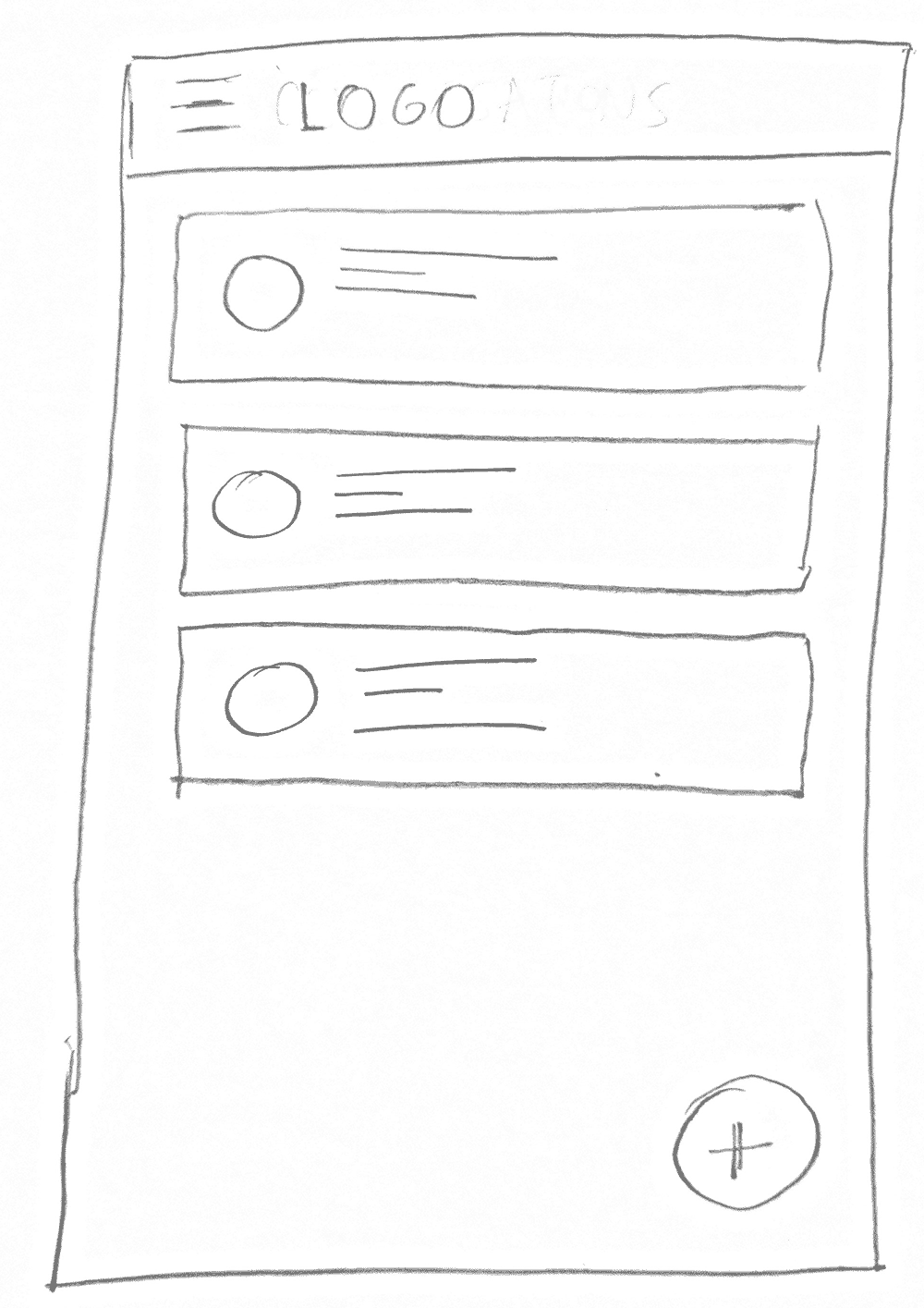
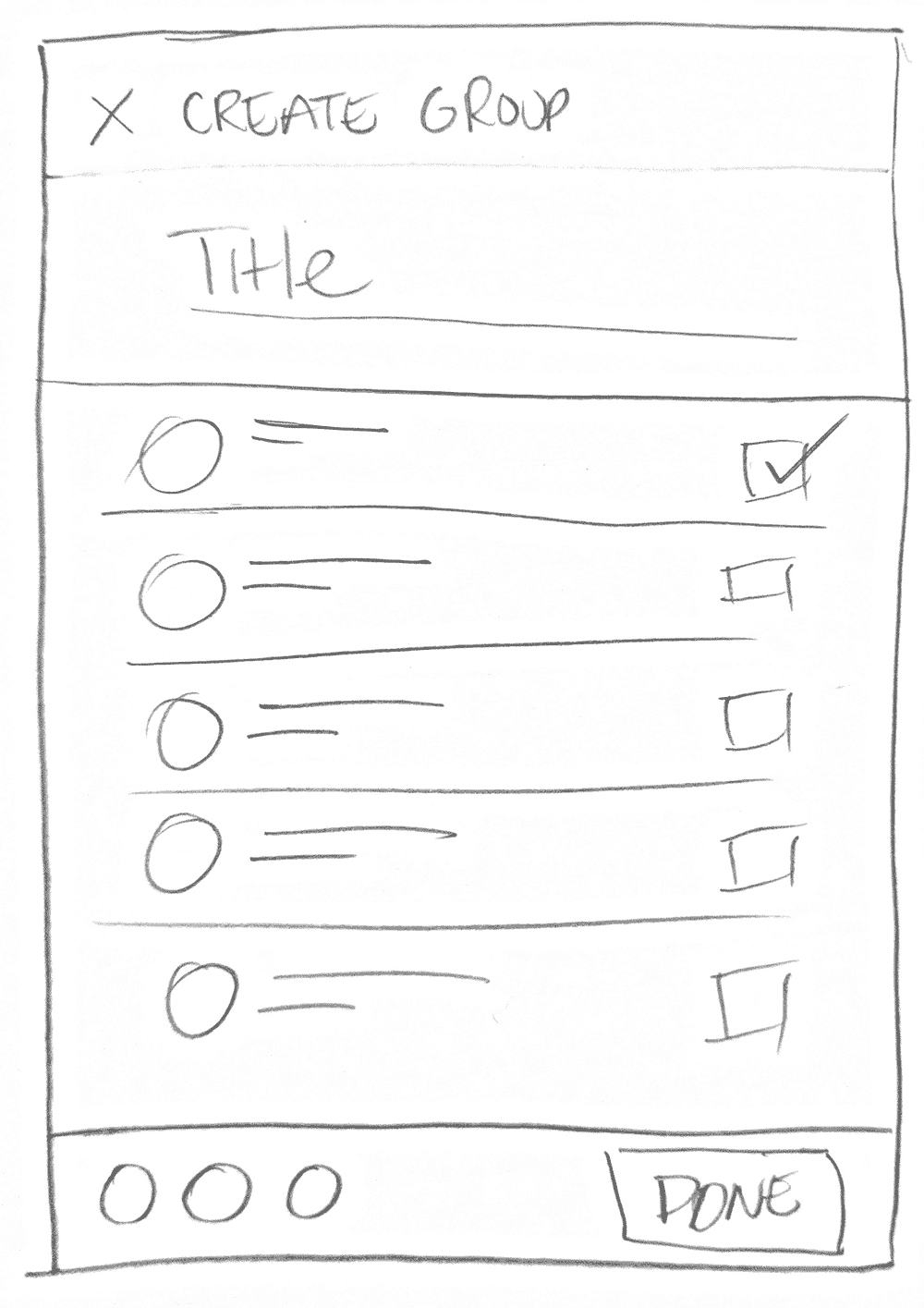
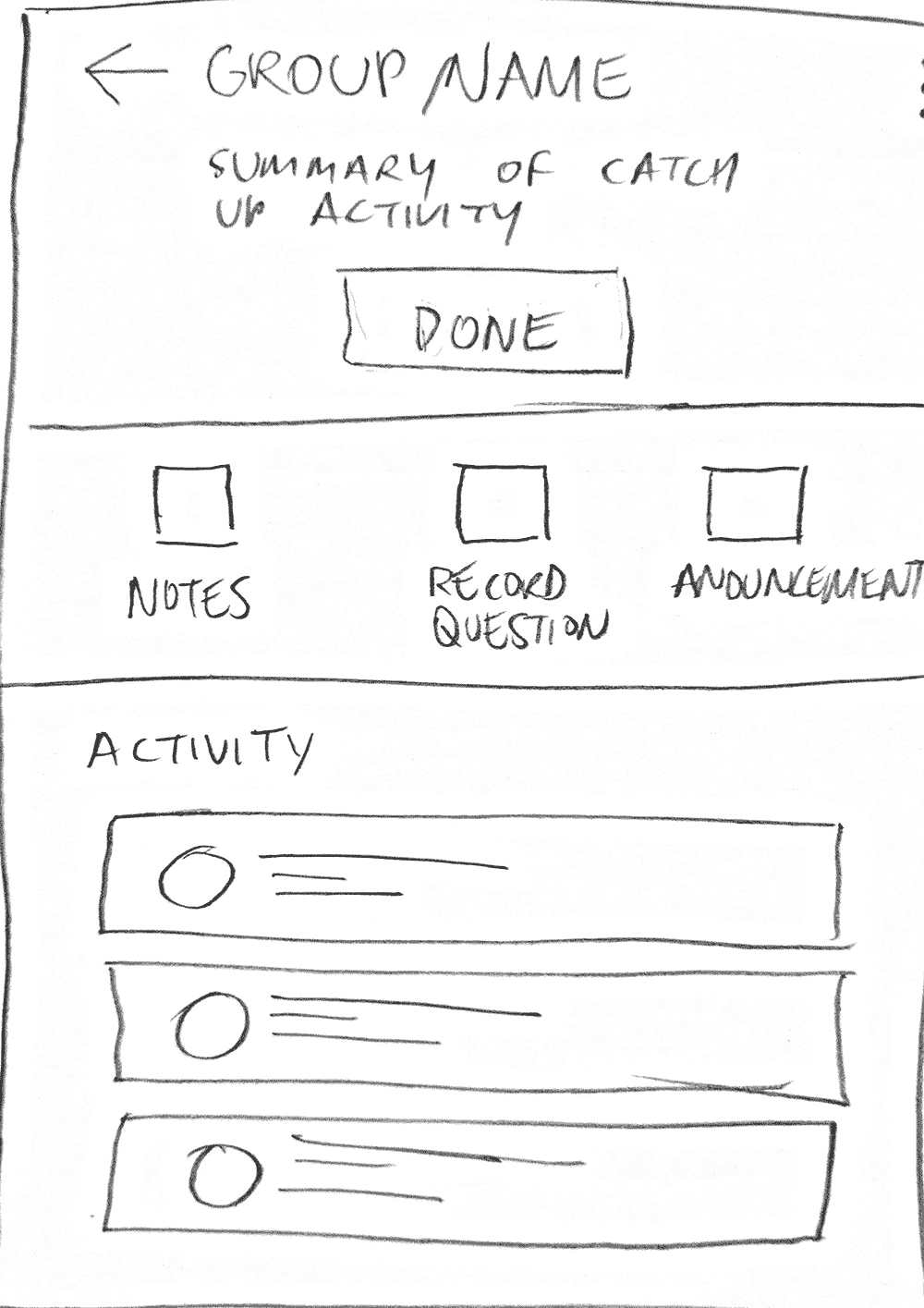
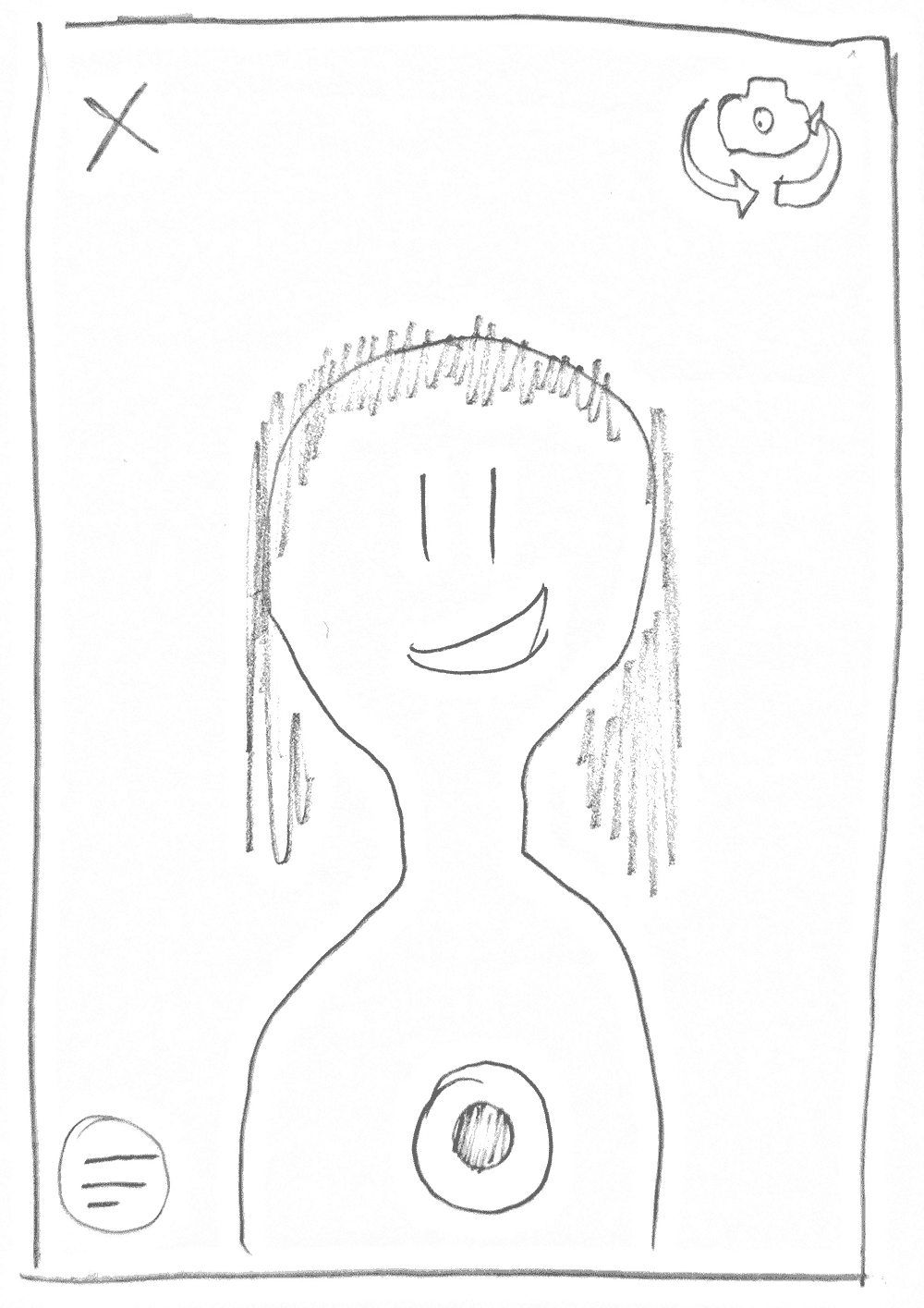
Med Fi
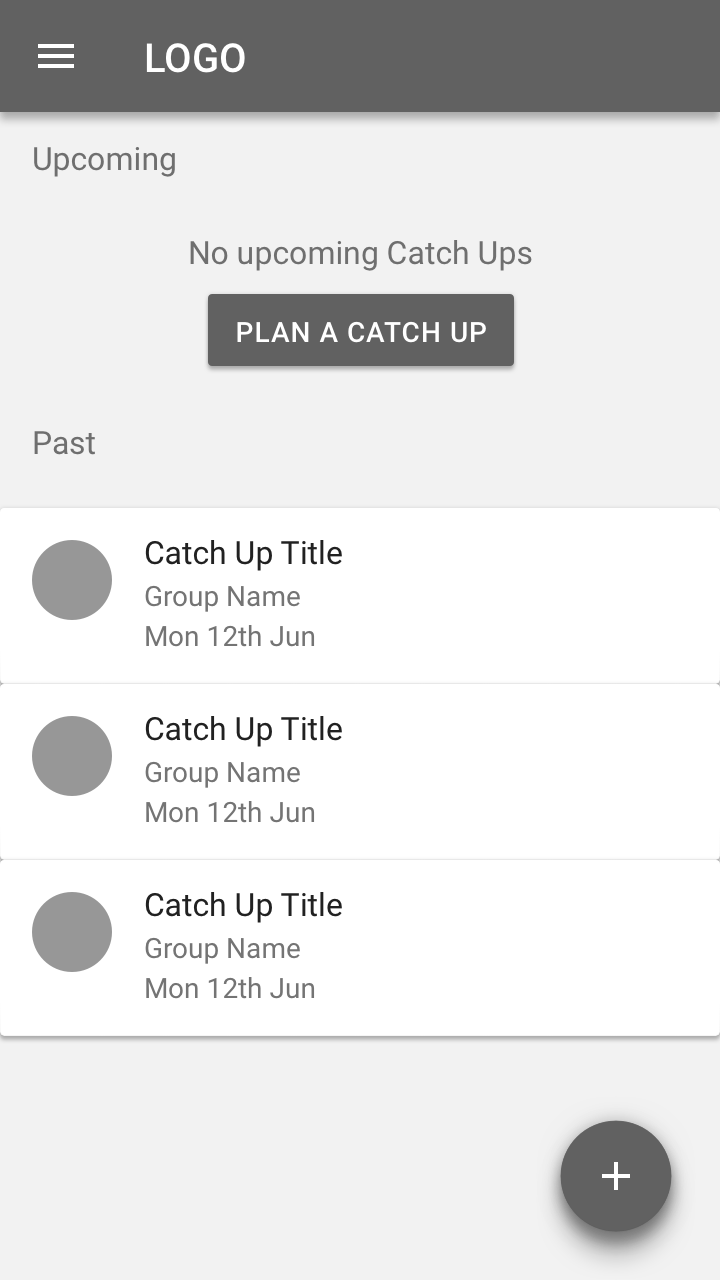
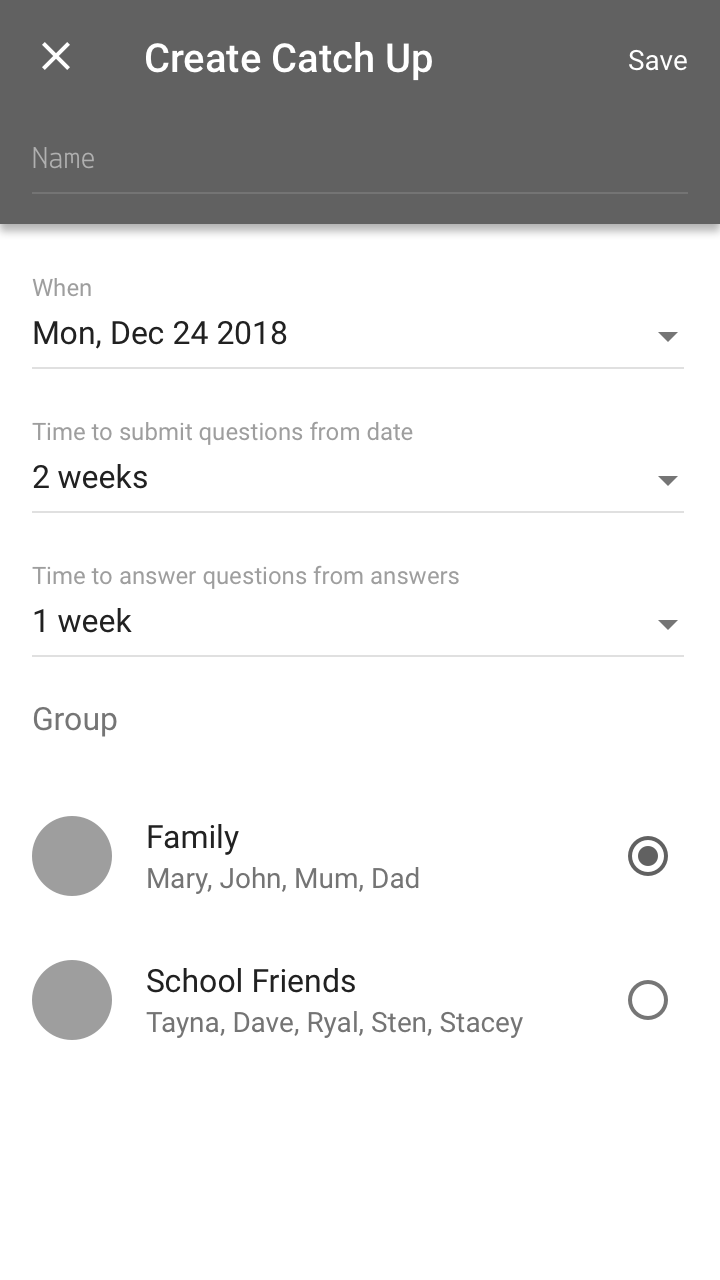
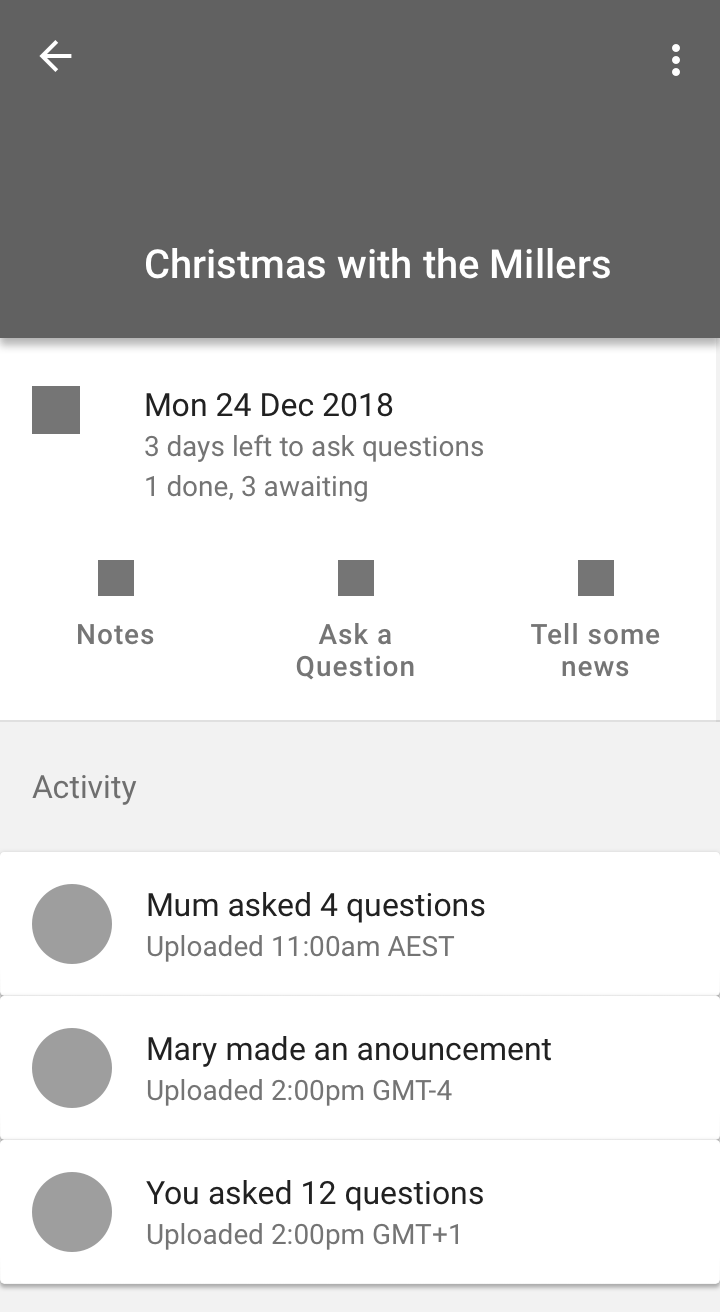
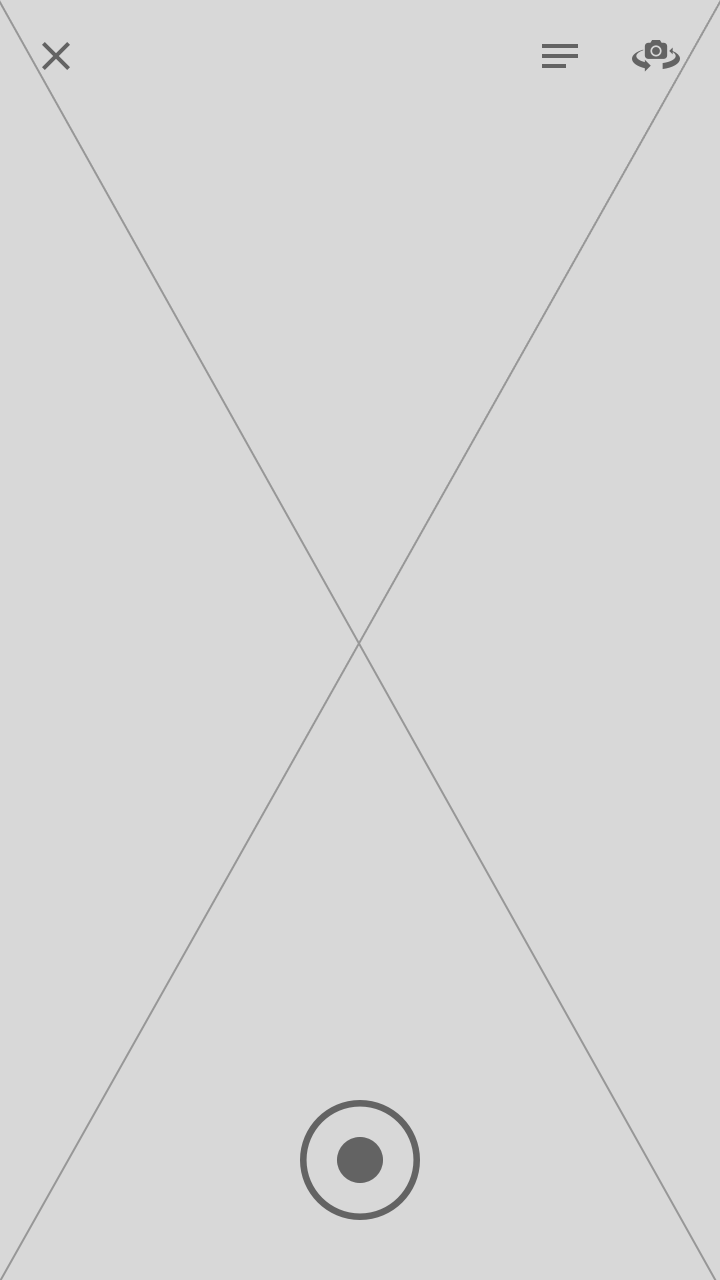
Hi Fi
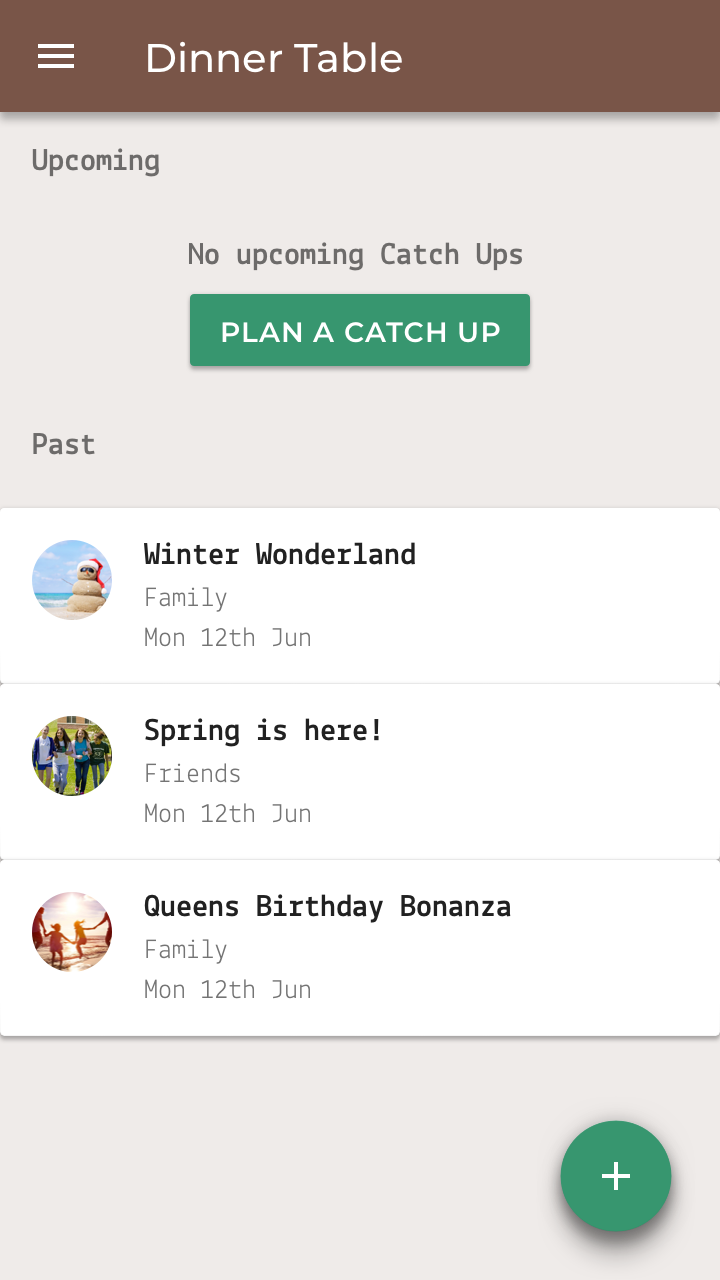
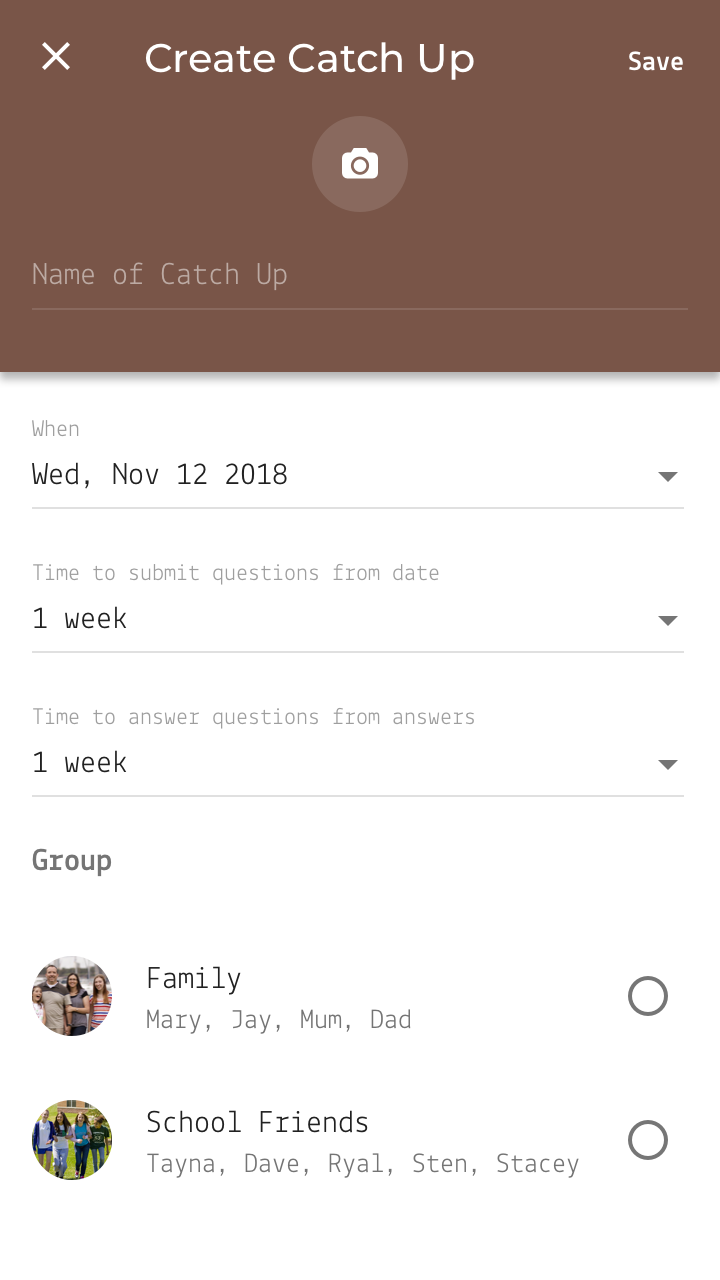
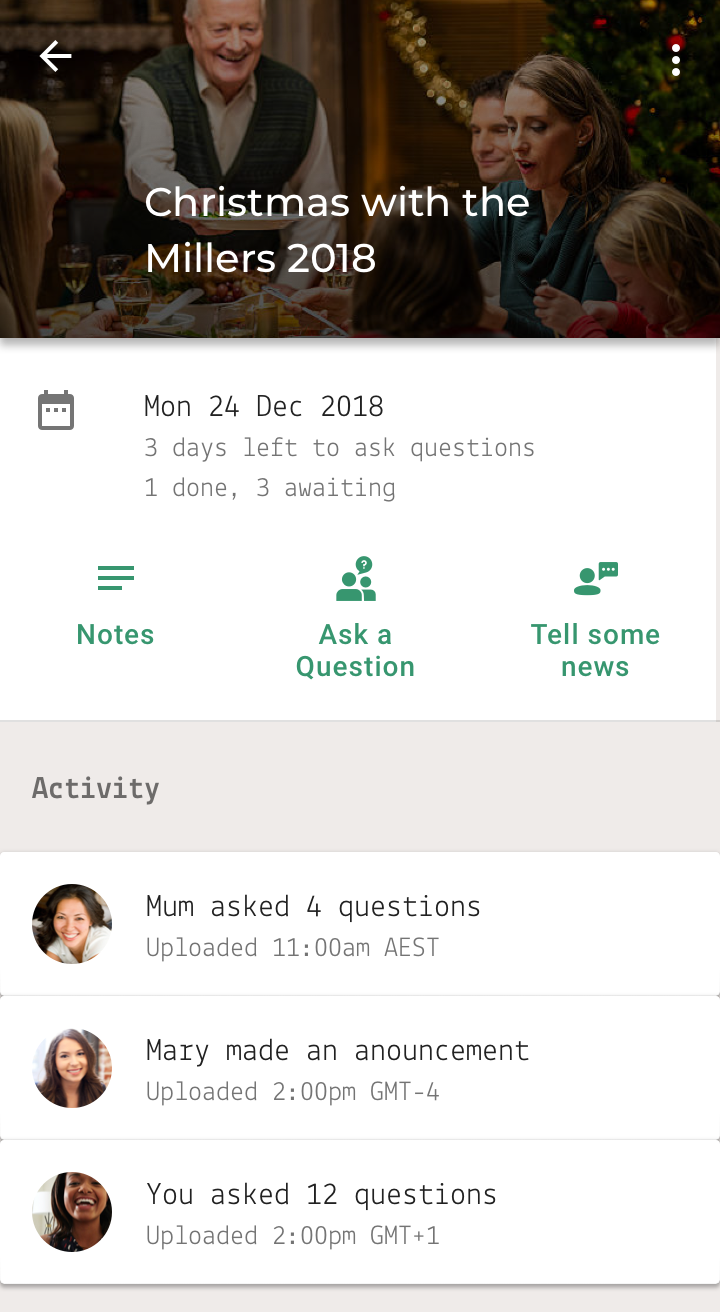
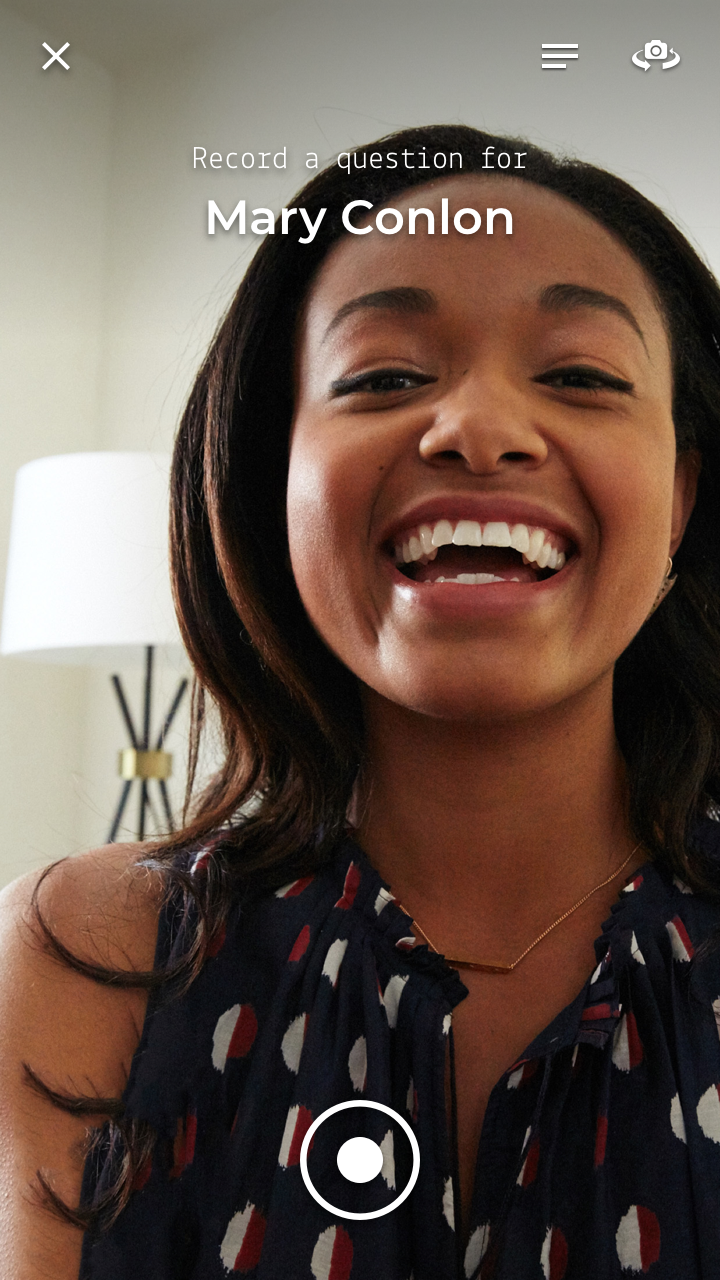
Color
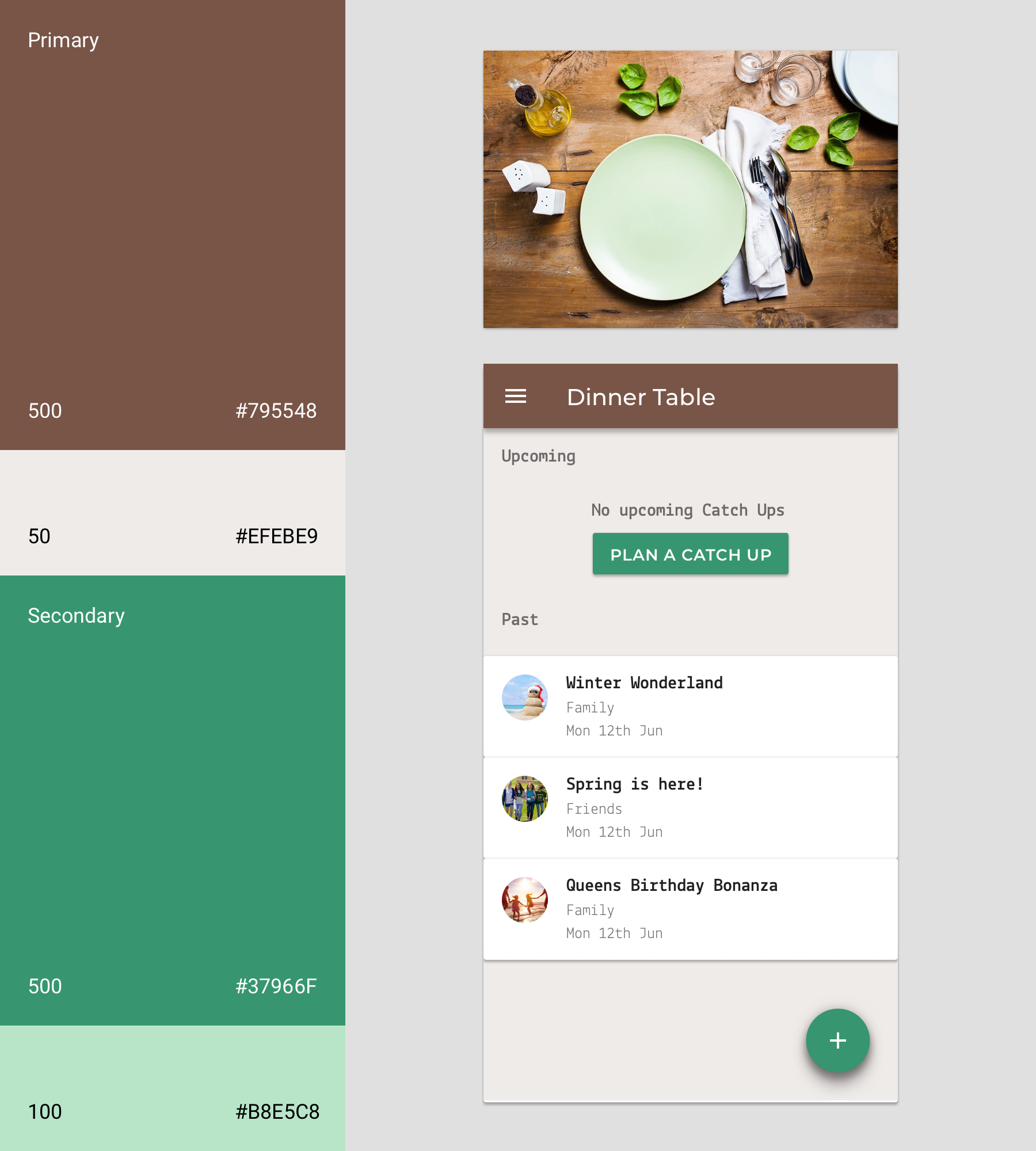
Dinner Table uses a color theme inspired by the deep browns and rich greens from the real life dinner table.
- Dinner Table’s primary color is Table Brown
- Dinner Table’s secondary color is Thyme Green
Task Scenarios
In order to understand what works and doesn’t work for my user, I have to watch them interact with your prototype. To do this effectively, I gave testers a realistic activity that fairly simulates how a real user would interact with your app.
Task Scenario: You have no upcoming catch ups organised with your family. Create a new Catch Up event and save it.
User Goal: Write down a NoteTask Scenario: You have an upcoming catch up with your family and have just thought of a question to ask Mary. Find the upcoming catch up and note down your question and save it.
User Goal: Record a QuestionTask Scenario: It’s time to record a question for your upcoming family Catch Up. Remind yourself of your question notes, and then record that question for Mary.
First Prototype
Usability Testing
Conduct Usability Test
A Usabilty Study was conducted with 12 test participants using the Task Scenarios from the execution phase. The goal was to discover key metrics about how the prototype performed.
What are you considering?
What do you think you’d do now?
Now, show me how you would…
Synthesise findings
Plus / Delta Columns
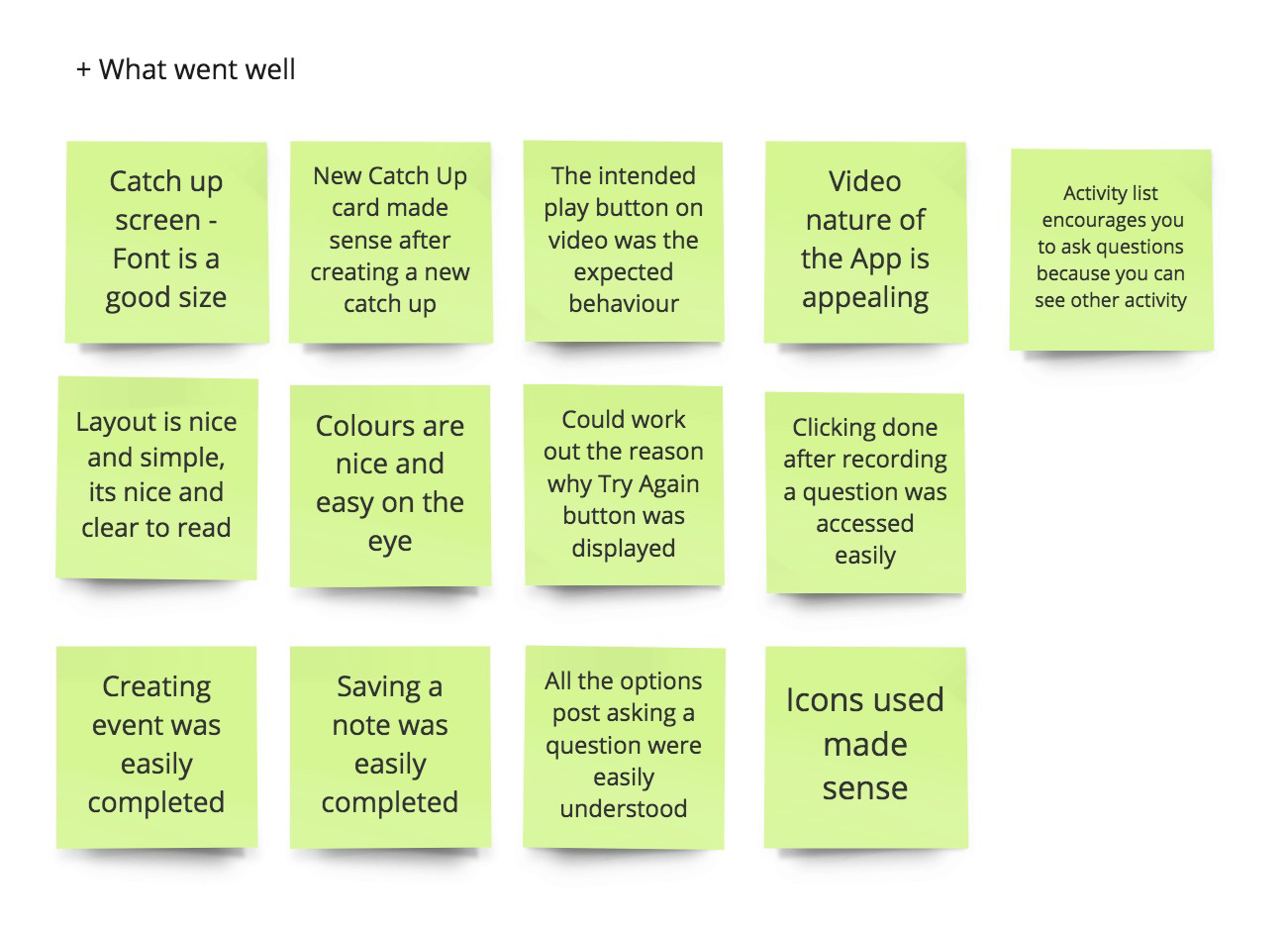
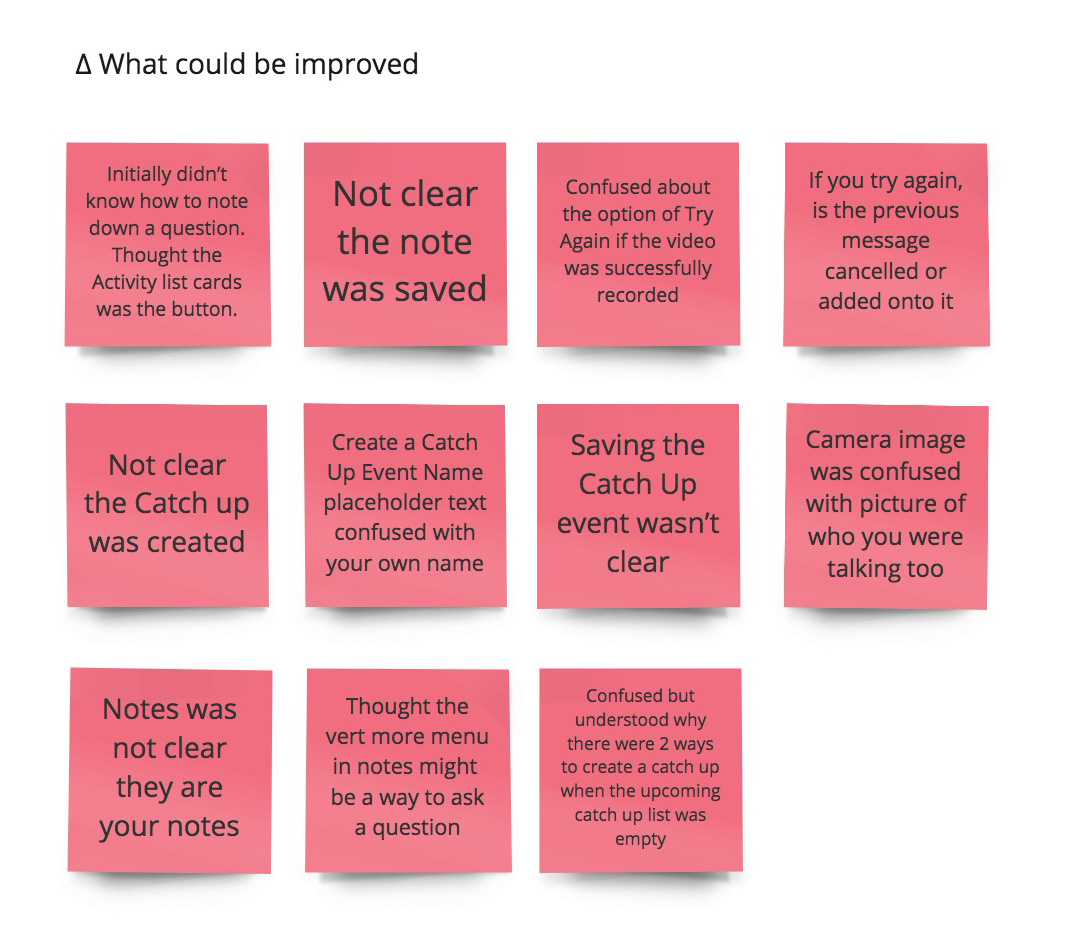
User pain points and highlights found throughout the testing session
Need more user feedback once an event/note/question was created or saved. “Name” placeholder for Creating a Catch Up was confused with it being for your own name. I don’t believe the purpose of Notes was understood.
UX Improvements I feel would have the most positive impact on the user’s experience
Adding a Toast message with feedback once something is created, saved or edited. “Name” placeholder for Creating a Catch Up event could be replaced with “Name of Catch Up” to help with confusing with your own name. Add some Feature explainations in each section to help explain its purpose. For example, I don’t believe the purpose of Notes was understood.
Changes made to the prototype
- Adding a Toast message with feedback
- Change “Name” placeholder to “Name of Catch Up”
- Onboarding Features explainations/tips to each page